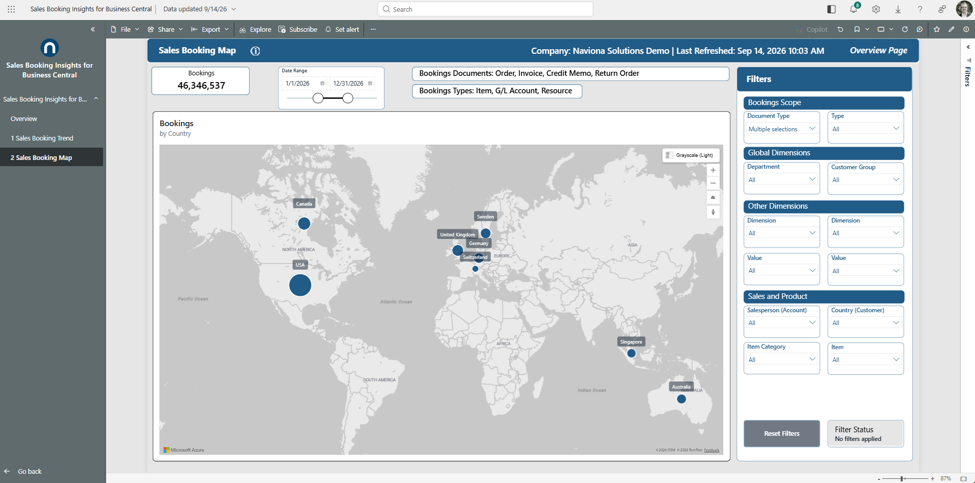
Where your bookings come from — by customer country, drillable to state or province. Spot geographic concentration and white space.
What it shows
Bubbles sized by bookings, placed by the customer’s country and drillable to state or province for US and Canadian customers. This is customer geography — where the customer is, not where the goods ship. The KPI card shows total bookings for the selected range.
Use it to
- See which countries and regions your bookings concentrate in.
- Find white space — markets with little or no activity.
- Drill a country down to its states for sub-national detail for US and Canadian customers.
How to use the page
- Use the drill controls to move between the country and state/province levels.
- Hover a bubble to read its bookings value.
- Set the Date Range and use the Filters panel to scope the map.
Note. Because it plots the customer’s country, a customer you only ship elsewhere still sits at their home country — a ship-to view would look different. Customers with no state or province (typically international) drop out at the state or province level, so open at the Country level and drill in.