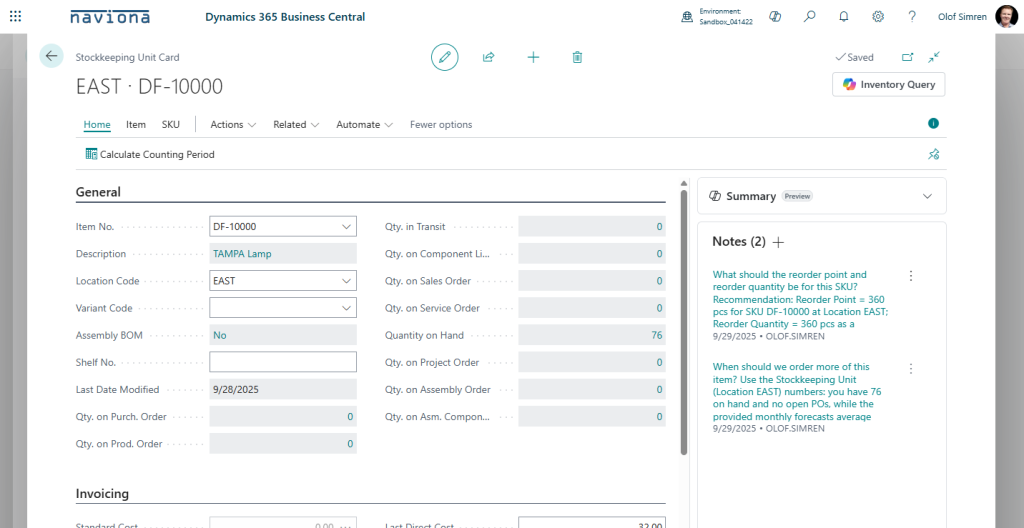
To use the Copilot for Inventory Queries you simply select the Inventory Query option from either the Items or SKUs (the option is available from both the list and card pages). Then you enter the query, like ‘What should the reorder point and reorder quantity be for this SKU?’, and select Generate.
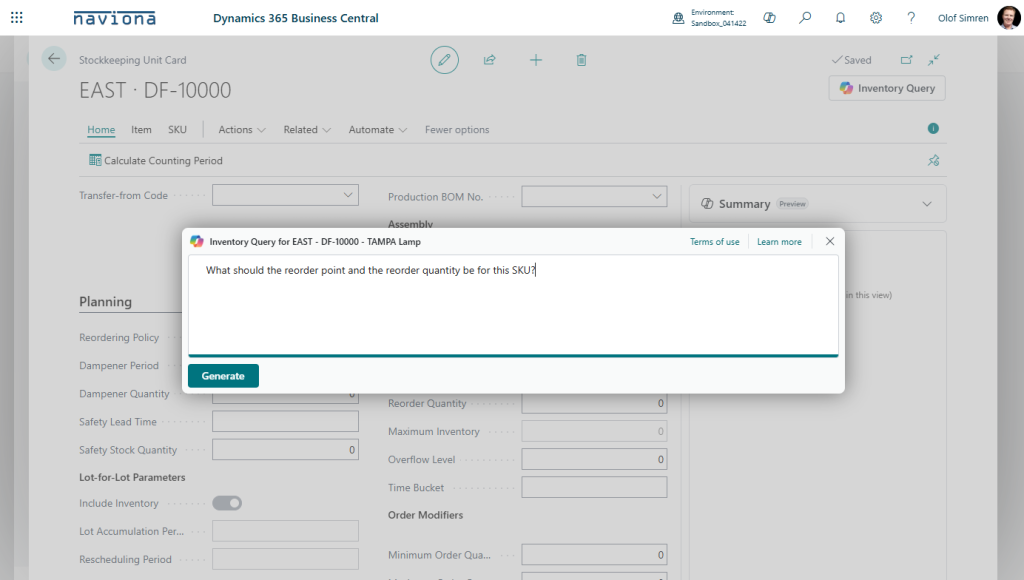
The system will then use the AzureAI module to analyze the data and return an answer. The recommendations generated are most of the time followed by an explanation to why.
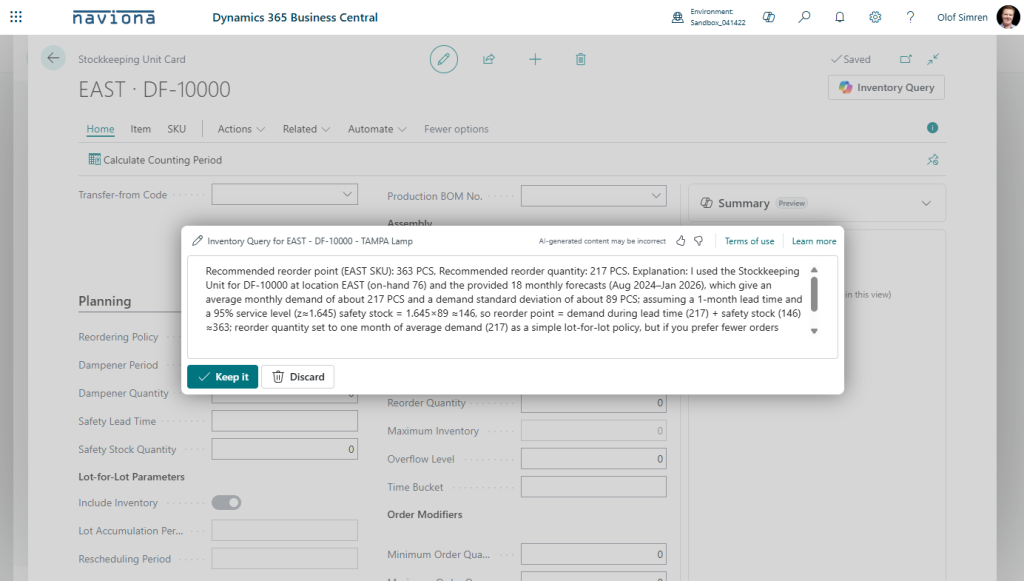
After the result is generated you can select Discard to just close the page or Keep It to save it as a note on the record.