
Part of the extension is functionality in the Planning Worksheet (and Requisition Worksheet) that provides an easy way to get Copilot to explain the suggestions. As a user you just select the Inventory Query action item and then Generate and it will evaluate the suggestion and provide an explanation.
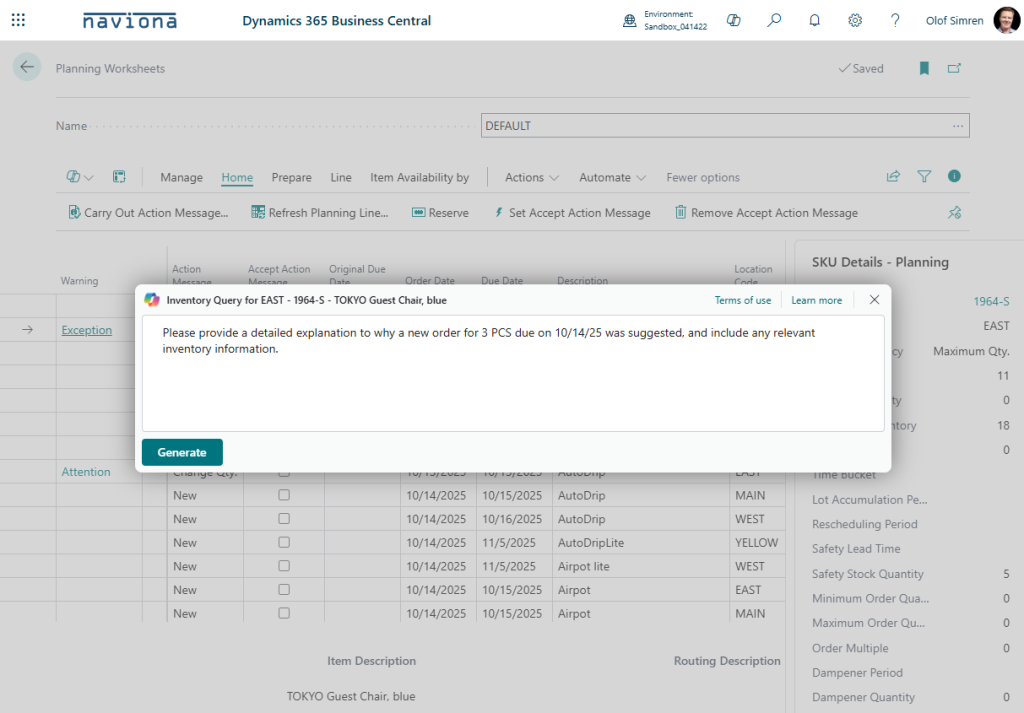
The above will for example generate a response like below.
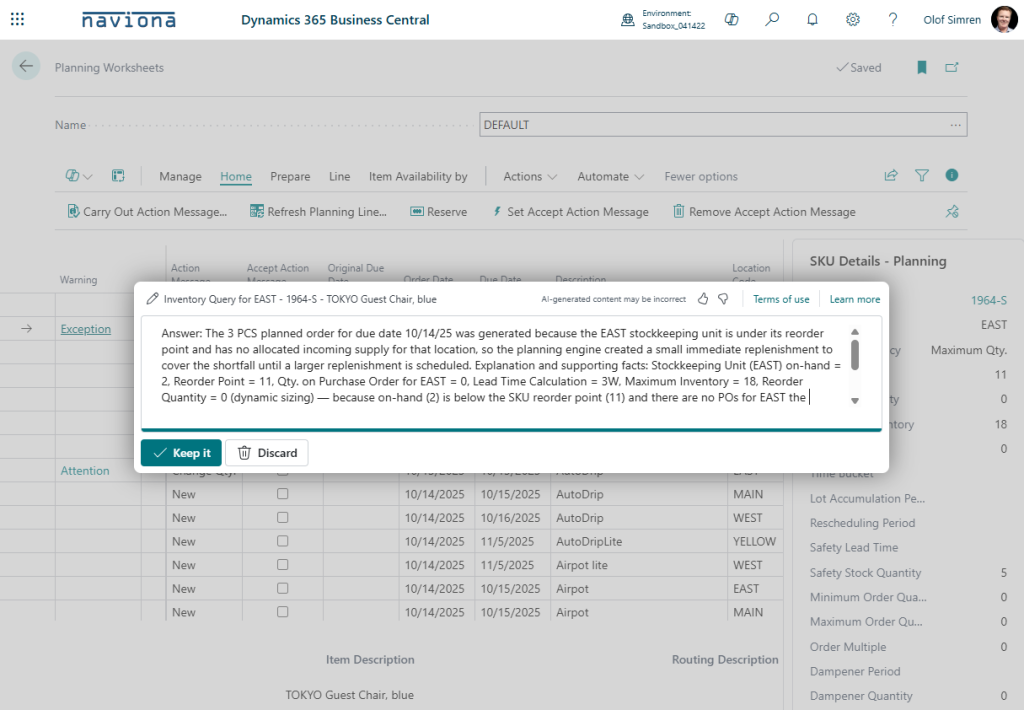
The data that gets evaluated includes all the suggestions for the same item number, location and variant code for each query. So, if the plan makes multiple suggestions for the same item, you have the AI model look at all of the suggestions together, even to explain the one suggestion that you ask about. This is often how planners look at the messages, you can’t always look at individual messages, you sometimes need to look at the entire ‘picture’ for an item (by location and if used, variant) to get to the explanation.