

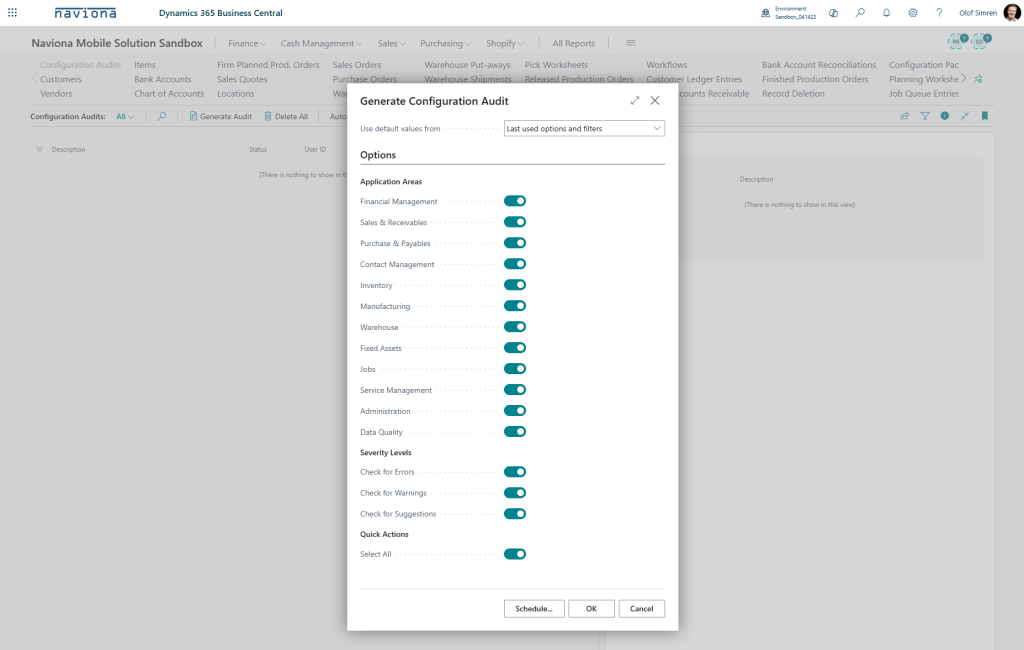
To perform a configuration audit you simply go to the Configuration Audits page and select Generate Configuration Audit. In the dialog displayed you select when application area to audit and if the audit should list errors, warnings and/or suggestion.
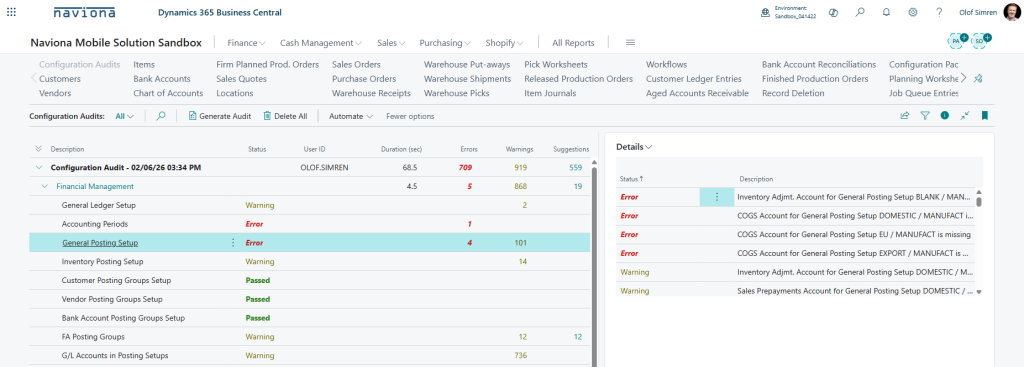
Once the configuration audit is complete you can review the result by expanding each of the areas. The details of the results can be viewed in the FactBox to the right.
See Configuration Audit Checks for information of what the audit includes and the logic behind each check.